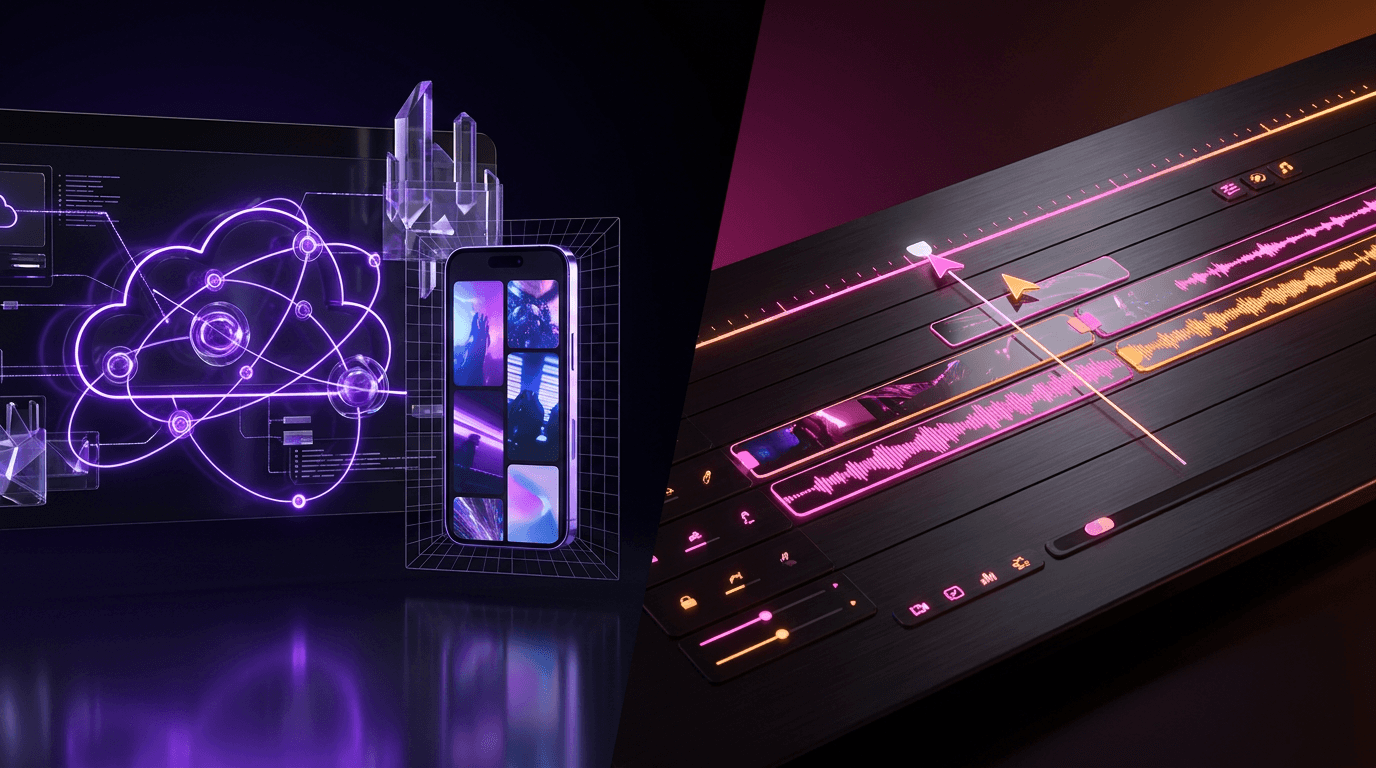
The creator economy is shifting rapidly from manual, grueling timeline editing to AI-driven automation. If you produce podcasts, long-form YouTube tutorials, or talking-head interviews, you have likely encountered the debate between dedicated AI clipping tools and traditional non-linear editors (NLEs) equipped with new machine learning features. The core of this discussion often centers around Opus Clip vs Filmora AI. One promises one-click viral shorts generated directly from a YouTube link, while the other offers granular, frame-by-frame desktop control enhanced by automated workflows.
But does surrendering your creative control to an algorithm actually yield better retention rates? Is it worth paying for dedicated AI clipping software when traditional editors are getting smarter? Let's break down the exact features, workflows, and return on investment (ROI) for both platforms, and explore how modern creators are optimizing their content pipelines.
The Fundamental Divide: AI Repurposing vs. Traditional NLEs
Before diving into the specific mechanics of Opus Clip vs Filmora AI, it is crucial to understand that these tools were built for entirely different primary purposes.
Opus Clip is a specialized, cloud-based generative AI platform. Its singular goal is content repurposing. You feed it a long-form video, and it uses natural language processing (NLP) to analyze the spoken words, identify emotional spikes, and slice the video into 15 to 60-second standalone clips.
Filmora (specifically Filmora 13 and newer, which heavily integrate AI) is a traditional desktop NLE developed by Wondershare. It competes with tools like Premiere Pro, DaVinci Resolve, and CapCut Desktop. Its AI features are designed to assist the editor, not replace them. You still manage a timeline, import assets, and export projects manually, but the software automates tedious tasks like background removal, audio ducking, and aspect ratio conversion.
Opus Clip: The One-Click Viral Machine
Opus Clip has become the poster child for AI clipping software. For podcasters and video marketers, the appeal is obvious: drop a YouTube URL into the search bar, grab a coffee, and return to a dashboard filled with 10 to 15 ready-to-publish TikToks, Reels, and YouTube Shorts.
The Virality Score and AI Curation
Opus Clip's standout feature is its "Virality Score." The AI analyzes your footage against thousands of viral videos to determine which segments have the highest potential for engagement. It looks for strong hooks, clear value propositions, and logical conclusions within a short timeframe.
- Dynamic Captions: Opus Clip automatically generates animated, Alex Hormozi-style captions. It highlights keywords in different colors and adds relevant emojis to keep the viewer visually stimulated.
- Auto B-Roll: The platform can automatically insert stock footage over your talking head to break up visual monotony—a critical tactic for retaining attention on TikTok.
- Active Speaker Detection: If you upload a podcast with two people, Opus Clip detects who is speaking and centers them in the frame, or creates a split-screen effect.
The Limitations of Full Automation
While Opus Clip is incredibly fast, it lacks nuance. The AI often cuts off a speaker mid-breath or selects a "hook" that lacks the necessary context for a new viewer. You frequently have to spend 5 to 10 minutes per clip tweaking the in/out points and correcting caption misspellings. Furthermore, Opus Clip operates on a credit-based subscription model. High-volume creators can burn through their monthly minutes rapidly, making it an expensive proposition over time.
Filmora AI: Desktop Power Meets Machine Learning
If Opus Clip is a microwave, Filmora AI is a fully equipped modern kitchen. It requires more effort, but you have total control over the final dish. Wondershare has aggressively integrated AI into Filmora to speed up the manual editing process.
Mastering the Filmora Auto Reframe
One of the most tedious parts of repurposing long-form content is manually keyframing a 16:9 video to fit a 9:16 vertical canvas. The filmora auto reframe feature solves this brilliantly.
When you apply the auto reframe effect, the software uses facial recognition and object tracking to keep the primary subject dead-center, even if they walk across the frame. You simply import your wide video, select the 9:16 aspect ratio, and let the AI analyze the movement. Unlike Opus Clip, which makes hard cuts, Filmora smoothly pans the virtual camera to follow the action. If the AI makes a mistake, you can manually adjust the tracking box on the timeline.
Magic with Filmora Smart Cutout
Another highly practical feature is the filmora smart cutout. Traditionally, removing a background required a green screen (chroma key) or hours of tedious rotoscoping. Filmora's smart cutout allows you to brush over your subject, and the AI will mask them out frame-by-frame.
This opens up massive creative possibilities for short-form content:
- Text Behind Subject: You can place bold, animated text behind the speaker but in front of the background, creating a deep, 3D aesthetic.
- Dynamic Backgrounds: You can swap a boring office background for a dynamic, moving gradient or gameplay footage, instantly increasing the visual retention of the video.
While Filmora offers AI text-to-video, AI copywriting, and an AI Copilot to help you find tools, it does not automatically find the viral moments. You still have to scrub through your timeline and make the creative decision of where to cut.
Opus Clip vs Filmora AI: Head-to-Head Comparison
To make the choice clearer, here is how the two platforms stack up across core creator metrics.
| Feature/Metric | Opus Clip | Filmora AI |
|---|---|---|
| Primary Function | Automated content curation & clipping | Full-suite timeline editing |
| Workflow Speed | Extremely fast (minutes) | Moderate (requires manual timeline work) |
| Vertical Conversion | AI cropping & split-screen | Filmora auto reframe (smooth panning) |
| Subject Isolation | Basic speaker focus | Filmora smart cutout (advanced masking) |
| Captions | Automated, highly stylized (Hormozi style) | Automated, customizable but less dynamic |
| Pricing Model | Recurring monthly subscription (Credit-based) | Annual subscription or Perpetual License |
| Learning Curve | Very low | Moderate |
Is Auto-Editing Actually Worth Your Time?
When evaluating Opus Clip vs Filmora AI, the ultimate question is whether AI clipping software provides a positive return on investment (ROI).
Let's run the numbers. A typical video editor charges between $30 and $50 per hour. Manually scrubbing a one-hour podcast, identifying three viral clips, converting them to 9:16, adding animated captions, and mixing the audio takes a skilled editor roughly 2 to 3 hours. That is a cost of $60 to $150 per podcast episode.
Using AI clipping software drops that time to roughly 15 minutes of human review, and the cost plummets to a fraction of a penny per minute of rendering. From a pure economic standpoint, auto-editing is absolutely worth it for volume-based creators.
However, the drop in quality is real. Purely automated clips often feel disjointed. The algorithm does not understand irony, subtle humor, or deep emotional pauses—it just looks for loud noises and keywords. This is why many creators use a hybrid approach: they use an AI clipping tool to generate rough drafts, and then pull those drafts into a traditional NLE to polish the timing and add custom B-roll.
A Smarter Alternative: Bridging the Gap with Viral Day
The true winner of the Opus Clip vs Filmora AI debate depends entirely on your workflow. But what if you need the automated curation of Opus Clip, but with deeper analytics, actual distribution capabilities, and a much lower price tag?
This is where specialized, next-generation tools are changing the landscape. If you want a platform that handles the entire lifecycle of a short-form video, Viral Day is rapidly becoming the tool of choice for serious creators.
Unlike standard AI clipping software that simply hands you a video file and leaves you to do the rest, Viral Day is built as an end-to-end viral engine. It serves as a highly capable Opus Clip alternative, but it expands the feature set significantly:
- 18 Viral Analysis Parameters: Instead of a basic, opaque "virality score," Viral Day analyzes your footage across 18 distinct parameters—evaluating pacing, hook strength, visual changes, and keyword density to ensure the clip actually performs.
- Automated Distribution: Generating the clip is only half the battle. Viral Day integrates auto-posting directly to TikTok, Instagram Reels, and YouTube Shorts. You can schedule a month of content in minutes.
- AI Community Management: It doesn't stop at posting. The platform includes AI auto-replies and automated Direct Messages (DMs), allowing you to convert commenters into newsletter subscribers or customers instantly.
- Uncompromised Quality & Branding: With flawless face tracking, crisp 1080p exports, and a dedicated Brand Kit to ensure your fonts and colors remain consistent, it rivals desktop NLEs in output quality.
Perhaps the most compelling argument for creators scaling their output is the cost. Viral Day provides this massive suite of features while being roughly 4x cheaper than Opus Clip's standard volume tiers.
Final Verdict: Which AI Tool Wins?
Ultimately, choosing between Opus Clip vs Filmora AI comes down to your primary bottleneck.
If you are a filmmaker, a highly creative vlogger, or someone who demands pixel-perfect control over every transition and mask, Filmora AI is the clear winner. Features like the Filmora smart cutout and auto reframe drastically reduce the friction of desktop editing while keeping the creative steering wheel in your hands.
If you are a podcaster, consultant, or talking-head creator whose biggest problem is simply finding the time to sift through hours of footage, dedicated AI clipping software is the way to go.
However, if you want to completely automate your short-form strategy—from finding the hook, to generating the captions, to posting the video, and even replying to the comments—you need to look beyond the basic clippers. Stop paying premium prices for isolated tools. Streamline your entire content pipeline and turn your long-form videos into automated growth engines. Try Viral Day for free today and experience the next generation of AI video repurposing.