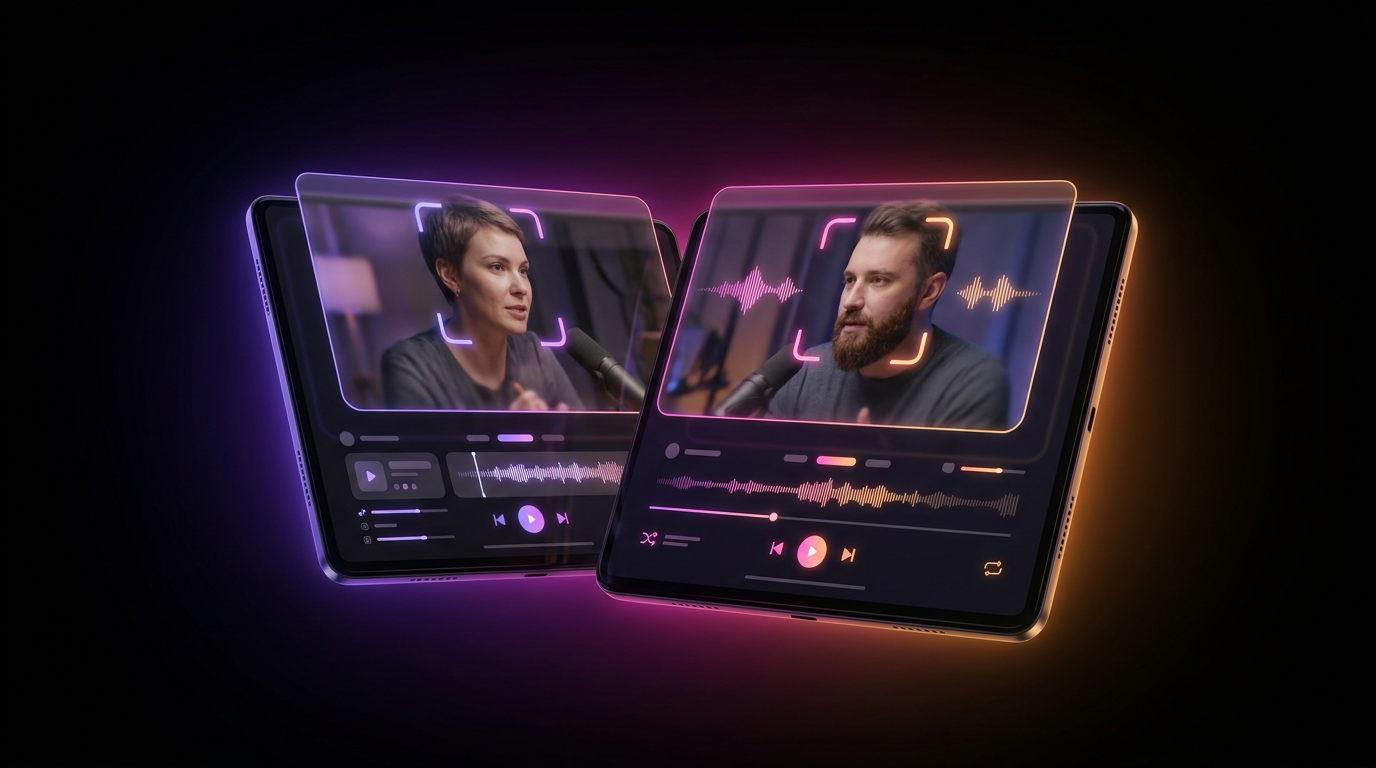
Descript revolutionized podcast editing by treating video like a Word document. Its text-based editing interface made cutting filler words and awkward pauses accessible to creators who had never touched Premiere Pro. But as we move deeper into 2026, the demands of vertical video have outpaced traditional desktop software. You no longer just need a transcript; you need dynamic captions, automatic b-roll, viral hook analysis, and instant distribution. If your laptop sounds like a jet engine every time you render a multi-cam podcast, it is time to find a modern Descript alternative.
Today's creators require an AI podcast text editor that operates in the cloud, slices a two-hour interview into dozens of ready-to-post Shorts in minutes, and handles the publishing workflow automatically. Fast podcast clipping is no longer a luxury—it is the baseline requirement for survival in the creator economy.
Let's break down the six fastest, most efficient tools to replace Descript for your podcast clipping workflow, comparing features, render speeds, and overall value.
Why You Need a Descript Alternative in 2026
Descript is a fantastic tool for long-form, narrative audio editing. However, when it comes to churning out high-volume, short-form video content, its architecture shows its age.
Here is why top creators are migrating to faster, cloud-native platforms:
- Resource Heavy: Descript relies heavily on local processing power. Editing a 4K, two-hour video podcast can consume massive amounts of RAM, leading to sluggish timeline performance and the dreaded spinning beach ball.
- Manual Styling: While Descript offers captions, making them look like the dynamic, animated text seen on top TikToks requires tedious manual keyframing and styling.
- Lack of Curation: Descript gives you the tools to cut your podcast, but it does not tell you what to cut. Modern AI tools scan your transcript and automatically extract the most engaging 30-to-60-second segments.
- The Distribution Bottleneck: Exporting a file to your desktop is only half the battle. You still have to transfer it to your phone, write a caption, and post it. Descript leaves you hanging at the export phase.
To scale your audience, you need a workflow that handles curation, editing, styling, and posting in a single pipeline.
1. Viral Day: The Ultimate All-in-One Podcast Clipper
If you want to completely automate your content pipeline, Viral Day is the most powerful Descript alternative on the market. While Descript stops at the export button, Viral Day is an end-to-end viral clip AI designed specifically for growth.
Viral Day acts as your editor, social media manager, and community manager combined. You upload your long-form podcast, and the AI automatically identifies the most engaging hooks. But what sets it apart is the deep analytics and post-export automation.
Key Features for Podcasters:
- 18 Viral Analysis Parameters: The AI does not just guess what makes a good clip. It scores your segments based on 18 specific data points, including hook retention, emotional pacing, and keyword relevance.
- Zero-Click Distribution: Once your clips are generated and styled with your custom Brand Kit, Viral Day can auto-post them directly to TikTok, Instagram Reels, and YouTube Shorts.
- Automated Engagement: The platform includes AI auto-replies and DMs, meaning you can automatically send a link to your full podcast episode whenever someone comments on your Short.
- Flawless Face Tracking & 1080p: It keeps the speaker perfectly centered and exports in crisp 1080p.
The Verdict: Viral Day is roughly 4x cheaper than leading competitors like Opus Clip while offering significantly more features. It is the premier choice for creators who want fast podcast clipping without the manual distribution headache.
2. Opus Clip: The Pioneer of One-Click Shorts
Opus Clip popularized the "one long video in, ten short videos out" workflow. It remains a strong Descript alternative for creators who solely want AI-driven curation.
Key Features for Podcasters:
- Virality Score: Opus Clip ranks your generated clips with a score from 1 to 99, predicting how well the video will perform based on historical TikTok data.
- Active Speaker Detection: For multi-cam podcasts, the AI automatically switches the layout to focus on whoever is talking, creating a dynamic split-screen effect.
- B-Roll Integration: The AI can automatically insert contextual stock footage over your podcast audio to maintain visual interest.
The Verdict: Opus Clip is a fantastic AI podcast text editor for curation, but it comes with a steep price tag. Furthermore, it lacks native auto-posting and community management features, meaning you still have to download and publish everything manually.
3. CapCut Desktop: The Timeline Powerhouse
CapCut is no longer just a mobile app for trending TikTok dances. The desktop version has evolved into a formidable NLE (Non-Linear Editor) that directly competes with Descript.
Key Features for Podcasters:
- Transcript-Based Editing: CapCut recently introduced its own AI podcast text editor feature. You can generate a transcript and delete filler words exactly like you would in Descript.
- Industry-Leading Auto-Captions: CapCut's dynamic caption templates are the industry standard. With one click, you can apply bouncing, color-changing text that perfectly syncs with your audio.
- Unmatched Rendering Speed: Because CapCut is highly optimized, it scrubs through 4K podcast footage and renders exports significantly faster than Descript.
The Verdict: CapCut is ideal for hands-on editors who want the speed of an AI text editor but still want full timeline control to add custom sound effects, transitions, and graphics.
4. Vizard: The Multi-Cam Specialist
Vizard positions itself heavily toward podcasters, webinar hosts, and B2B creators. If you record your podcast remotely using tools like Riverside, Squadcast, or Zoom, Vizard is a highly efficient Descript alternative.
Key Features for Podcasters:
- Intelligent Grid Layouts: Vizard excels at taking a standard side-by-side Zoom recording and reformatting it into a stacked vertical video. It automatically crops and centers each speaker.
- Text-Based Trimming: Like Descript, you edit the video by highlighting and deleting the transcribed text.
- Brand Customization: You can easily add your podcast logo, custom backgrounds, and brand colors to the negative space in your vertical clips.
The Verdict: Vizard is cleaner and more stable than Descript for remote interview formatting. However, its AI curation is slightly less aggressive at finding "viral" hooks compared to tools built specifically for TikTok trends.
5. Munch: Trend-Driven Clipping
Munch takes a different approach to fast podcast clipping. Instead of just looking at the emotional spike in your audio, Munch's AI analyzes current web trends and search volumes to select your clips.
Key Features for Podcasters:
- Contextual AI: If you talk about "artificial intelligence" for two minutes in a one-hour podcast, Munch will prioritize that clip because it knows the topic is currently trending on YouTube.
- SEO Data: Every clip comes with generated keywords, tags, and a suggested social media caption based on current trends.
- Clean UI: The interface is highly intuitive, making it easy to adjust the in and out points of your selected clips.
The Verdict: Munch is brilliant for trend-jacking, but it is one of the most expensive tools on the market. The credit system can be opaque, and high-volume podcasters may burn through their monthly allowance very quickly.
6. Submagic: The Retention Optimizer
Submagic started as a dedicated captioning tool but has rapidly evolved into a robust short-form editor. While it does not handle hour-long files as smoothly as a dedicated AI podcast text editor, it is unmatched for polishing pre-cut segments.
Key Features for Podcasters:
- Hollywood-Style Captions: Submagic offers the most visually striking caption templates, mimicking the styles of top creators like Alex Hormozi and Ali Abdaal.
- Auto B-Roll and Gifs: The AI reads your transcript and automatically overlays relevant stock footage, GIFs, and sound effects to keep viewer retention high.
- Magic Hooks: The tool suggests alternative, punchy text hooks to place at the top of your video to stop the scroll.
The Verdict: If you already have your 60-second clip cut and just need to make it as engaging as possible, Submagic is incredible. However, it is not a true start-to-finish replacement for cutting a two-hour episode.
Feature Comparison: Which Tool Wins?
To help you choose the right Descript alternative, here is a breakdown of how the top contenders stack up in the fast podcast clipping space.
| Tool | Best Feature | AI Curation | Auto-Posting | Price Tier |
|---|---|---|---|---|
| Viral Day | All-in-one growth & automation | Yes (18 parameters) | Yes (Direct to socials) | $ (High Value) |
| Descript | Multi-track audio engineering | No (Manual required) | No (Export only) | $$ |
| Opus Clip | Virality scoring | Yes | No (Export only) | $$$ |
| CapCut | Timeline control | No (Manual required) | Yes (TikTok only) | $ (Freemium) |
| Munch | Trend-based clip selection | Yes | No (Export only) | $$$$ |
| Vizard | Zoom/Riverside formatting | Yes | No (Export only) | $$ |
3 Rules for Fast Podcast Clipping in 2026
Switching to a new AI podcast text editor is only the first step. To truly maximize your output, you need to optimize your actual workflow. Here are three rules to ensure you get the most out of your software.
1. Optimize Your Audio Before the AI
AI transcription relies entirely on audio clarity. If your speakers are talking over each other or your room has massive reverb, the AI will struggle to generate accurate captions or identify the active speaker. Always record isolated audio tracks for each guest using a platform like Riverside. Run your audio through a basic noise-reduction pass before uploading it to your clipping tool. Clean audio guarantees perfectly timed captions and flawless face-tracking.
2. Standardize Your Brand Kit
Do not waste time manually changing fonts and colors for every single short. The best Descript alternative will allow you to save a global Brand Kit. Set your primary font (bold, sans-serif fonts like Montserrat or The Bold Font work best for retention), your brand colors, and your logo placement once. When the AI generates 15 clips, they should all instantly look like your brand.
3. Automate the Distribution
Creating the clip is useless if it sits on your hard drive. The biggest bottleneck for podcasters is the manual labor of uploading files to TikTok, Instagram, and YouTube. This is why integrating a tool like Viral Day is crucial. By linking your social accounts directly to your editor, you bypass the download/upload phase entirely. You can schedule a month's worth of podcast clips in an afternoon, complete with AI-generated captions and automated comment replies to drive traffic back to your full episode.
Conclusion
Descript paved the way for text-based video editing, but the landscape of content creation has shifted. Today, speed, automated curation, and seamless distribution are the keys to growing a podcast audience.
Whether you want the timeline control of CapCut or the trend-spotting of Munch, there is a tool designed for your specific needs. However, if your goal is to completely streamline your workflow—from raw podcast file to published, viral social media post—you need a platform built for end-to-end automation. Stop wasting hours manually exporting and posting clips. Try a dedicated growth engine and watch your podcast reach new heights.