The internet is flooded with bold, yellow-and-white Montserrat text. Alex Hormozi popularized this high-retention subtitle format, but what was once a powerful pattern interrupt has now become digital background noise. If you want to stop the scroll in today's saturated feed, you need a reliable Hormozi captions alternative. Viewers have developed "caption blindness" to the standard presets found in basic editing apps. To truly capture and hold attention, creators must pivot to custom viral captions that align with their specific brand identity, pacing, and niche.
While the underlying psychology of the Hormozi style—keeping the viewer's eyes moving—remains valid, the aesthetic execution requires an upgrade. Relying on the exact same CapCut templates as millions of other creators signals to the viewer that your content is generic before they even process what you are saying. Let's break down six distinct, high-retention caption styles that top creators are using right now to dominate the algorithm.
Why the Classic Hormozi Caption Style is Losing Its Edge
In video marketing, any tactic that works exceptionally well eventually becomes heavily commoditized. When the bold, single-word, emoji-heavy caption style first emerged, it spiked watch time because it was visually aggressive and new. Today, it suffers from banner blindness.
Data from short-form retention graphs shows a distinct trend: when viewers recognize a highly templated format within the first 1.5 seconds, swipe-away rates increase by up to 34%. The brain categorizes the video as "just another motivational clip" or "repackaged podcast content" and moves on.
To maintain audience retention rates above that critical 70% mark for the first 3 seconds, your visual hook must look native, premium, and distinct. You need captions that enhance the storytelling rather than distract from it.
6 Hormozi Captions Alternatives to Boost Retention
If you are ready to graduate from the default settings, here are six highly effective caption styles that retain attention without looking like a carbon copy of every other reel on the internet.
1. The Ali Abdaal Caption Style (Minimalist & Educational)
The Ali Abdaal caption style is the antithesis of the aggressive, in-your-face aesthetic. It is designed for educational, productivity, and tech content where clarity is more important than hype.
- Font Choice: Clean, modern sans-serifs like Inter, SF Pro, or Roboto (Medium or Semi-Bold weight).
- Color Palette: Soft, pastel highlights (e.g., a muted yellow #FDE047 or soft blue #93C5FD) against white text. No harsh neon colors.
- Animation: Smooth, subtle pop-ins or simple opacity fades. The text doesn't bounce aggressively; it appears seamlessly.
- Structure: Usually 3-5 words per line, occasionally utilizing a subtle, blurred drop shadow to separate the text from the background without looking messy.
This style works because it feels premium. It respects the viewer's intelligence and allows the actual spoken value to take center stage, making it perfect for consultants, educators, and B2B creators.
2. The MrBeast Subtitles AI Approach (High-Contrast & Fast-Paced)
If your content relies on high energy, rapid pacing, and entertainment, the MrBeast subtitles AI approach is your gold standard. This style is engineered for maximum dopamine release and constant eye tracking.
- Font Choice: Heavy, stylized fonts like Komika Axis, Obelix Pro, or heavily italicized bold sans-serifs.
- Visual Treatment: Thick black strokes (outlines) combined with hard, offset drop shadows to ensure the text is 100% legible regardless of the background.
- Color Coding: Hyper-specific color rules. Positive words or numbers (money, winning) are bright green; negative words are stark red. Standard text is white or bright yellow.
- Animation: Aggressive "spring" or "bounce" keyframes. The text physically scales up and down to match the volume and intensity of the speaker's voice.
This style is incredibly difficult to edit manually due to the sheer volume of keyframes required, which is why utilizing specialized AI tools to automate the bounce and color-coding is essential for high-volume creators.
3. The Cinematic Documentary Style
Not every video needs to scream at the viewer. For storytellers, true crime creators, and lifestyle brands, the cinematic style builds intrigue and emotional connection.
- Font Choice: Elegant serif fonts like Playfair Display, Baskerville, or classic typewriter fonts.
- Visual Treatment: Small, unobtrusive sizing. Often placed slightly lower on the screen (but still within safe zones).
- Animation: Slow opacity fades. Text may stay on screen slightly longer, allowing the viewer to absorb the emotional weight of the sentence.
- Best For: Vlogs, emotional storytelling, luxury real estate, and high-end brand narratives.
4. The Contextual Pop-Up (B-Roll Heavy)
In this Hormozi captions alternative, the text does not stay on screen for the entire video. Instead, captions are used sparingly as visual punchlines.
- Execution: The video relies heavily on fast-paced B-roll, dynamic zooms, and sound effects. Captions only appear during a crucial keyword, a confusing technical term, or a comedic punchline.
- Psychology: By withholding captions for 80% of the video, the sudden appearance of text creates a massive pattern interrupt that snaps wandering attention back to the screen.
5. The Y2K / Gaming Overlay
Targeting Gen Z, gamers, or meme-heavy niches? The Y2K aesthetic leverages nostalgia and internet culture.
- Font Choice: Pixelated fonts (like VCR OSD Mono) or aggressive, blocky gaming fonts.
- Visual Treatment: Glowing neon text effects, chromatic aberration (RGB splitting), or subtle glitch transitions.
- Animation: Text that shakes violently during loud noises or fast-types onto the screen like a command terminal.
6. The Dynamic Highlight (Karaoke Style)
This is a highly refined evolution of the classic style. Instead of one word flashing on screen at a time (which can be exhausting to read), an entire sentence appears, but the specific word being spoken is highlighted in real-time.
- Execution: A full line of text (4-6 words) sits on screen in a muted color (e.g., 50% opacity white). As the speaker talks, the current word lights up in a bright, solid color.
- Retention Benefit: The viewer's brain naturally wants to "finish the sentence" they see on screen, keeping them hooked until the audio catches up with the visual.
Caption Style Comparison: Which Should You Choose?
| Caption Style | Primary Font Type | Animation Style | Best Suited Niche |
|---|---|---|---|
| Ali Abdaal | Clean Sans-Serif (Inter) | Smooth Pop-in / Fade | Education, Finance, B2B |
| MrBeast | Heavy/Comic (Obelix Pro) | Aggressive Bounce | Entertainment, Gaming, Challenges |
| Cinematic | Serif (Playfair Display) | Slow Opacity Fade | Storytelling, True Crime, Luxury |
| Contextual | Variable | Sudden Pop-up | Vlogs, B-Roll Heavy Content |
| Y2K / Gaming | Pixel / Monospace | Glitch / Shake | Gen Z, Meme Content, Streaming |
| Dynamic Highlight | Bold Sans-Serif | Real-time Color Fill | Podcasts, Interviews, Motivation |
How to Create Custom Viral Captions Without Manual Keyframing
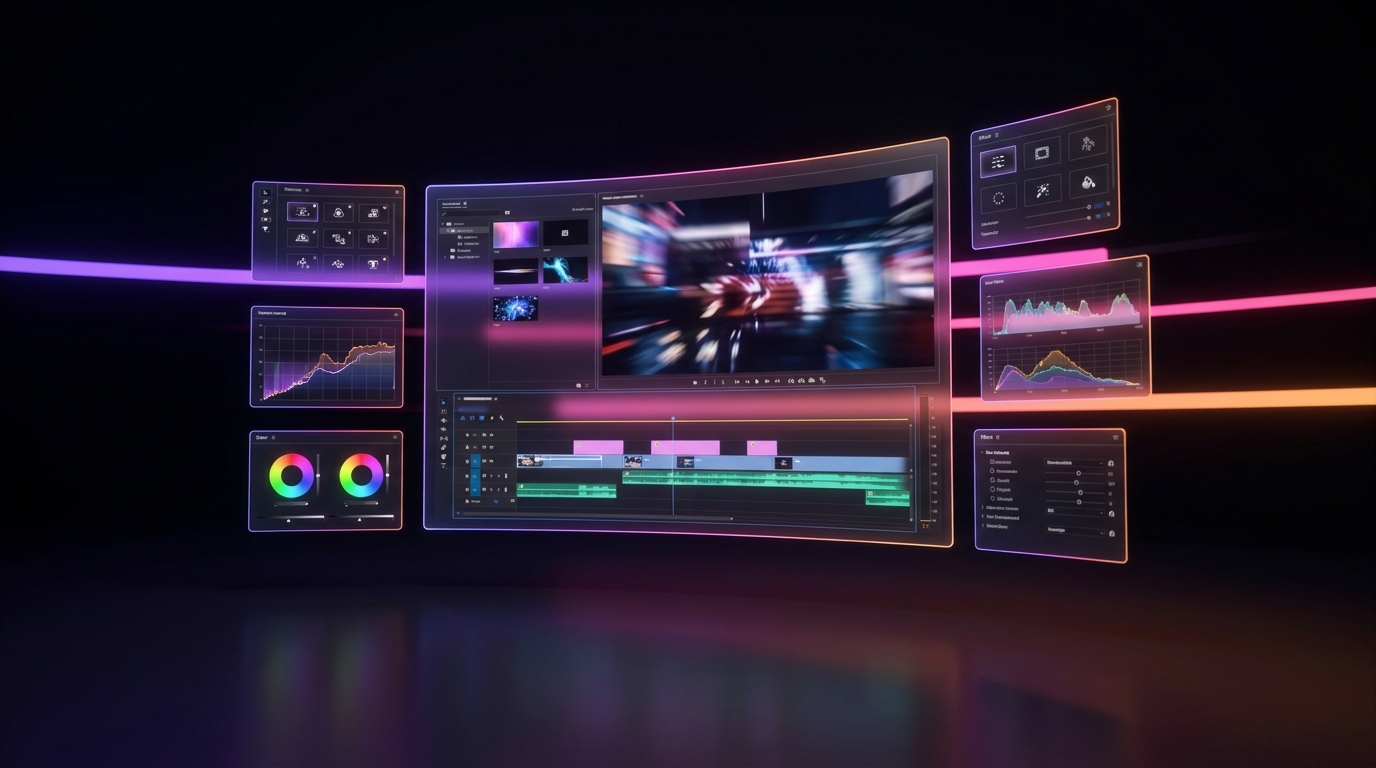
Manually keyframing these dynamic styles in Adobe Premiere Pro or DaVinci Resolve can take hours for a single 60-second Short. Conversely, basic mobile apps like CapCut often lock you into the exact same templates everyone else is using.
To create custom viral captions at scale, creators are turning to AI-driven clipping tools. You likely know the major players: Opus Clip, Submagic, Vizard, Klap, Munch, and Descript. While these tools are powerful, many suffer from rigid templates or exorbitant pricing models that punish high-volume creators.
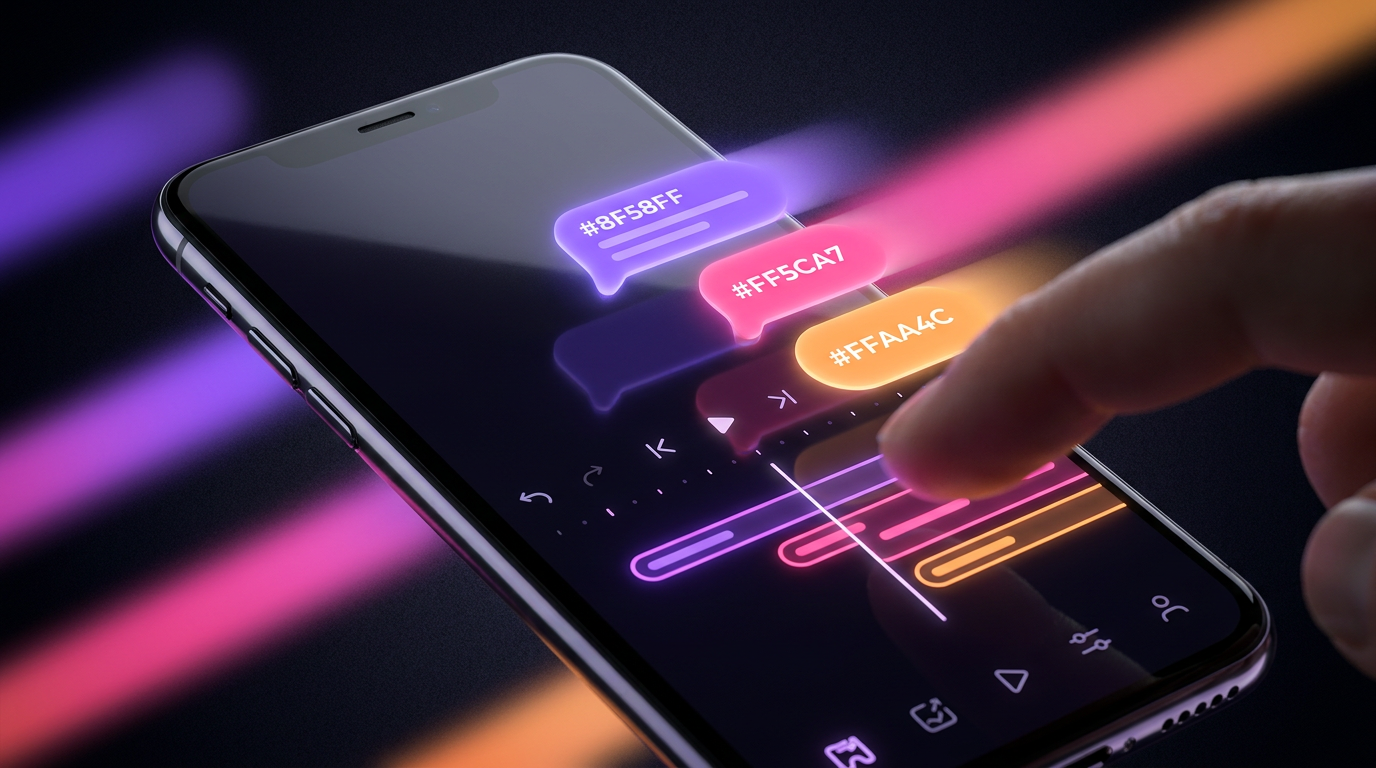
If you are looking for an Opus Clip alternative that gives you granular control over your aesthetic, Viral Day is the ultimate solution. While most platforms just slap a generic Hormozi template on your video, Viral Day features a comprehensive Brand Kit. This allows you to upload your own custom fonts, set specific hex codes, and define exact animations to replicate the Ali Abdaal caption style, the MrBeast look, or something entirely unique to you.
Beyond just typography, Viral Day leverages 18 distinct viral analysis parameters to identify the most engaging parts of your long-form content. It tracks faces to keep the subject perfectly centered and exports in crisp 1080p—ensuring your custom fonts look razor-sharp on mobile screens.
The Technical Settings for High-Retention Captions
No matter which Hormozi captions alternative you choose, if your technical execution is sloppy, your retention will tank. Adhere to these strict rules when formatting your text:
- The Safe Zone Rule: Never place text in the bottom 20% or the right-hand 15% of a 9:16 vertical video. This space is covered by the platform's UI (captions, username, like buttons). If your text is covered, viewers will instantly scroll.
- Character Limits: Keep your text blocks between 15 and 25 characters per line. Any longer, and the text becomes too small to read on a 6-inch smartphone screen.
- Contrast is King: Always use a drop shadow, a dark stroke, or a background box. White text on a bright background without a shadow is illegible and looks unprofessional.
Using an advanced AI tool like Viral Day automatically handles these safe zones for TikTok, Instagram Reels, and YouTube Shorts, ensuring your text is perfectly placed every single time.
Conclusion
Standing out in short-form video requires evolving past the default settings. The classic bold yellow text had its run, but the algorithm rewards novelty and aesthetic quality. Whether you adopt the clean Ali Abdaal caption style, the hyper-engaging MrBeast subtitles AI approach, or a cinematic documentary feel, the goal is to create custom viral captions that align perfectly with your brand's voice.
Stop paying premium prices for generic, rigid templates. Take control of your video's aesthetic, automate your posting to all major platforms, and leverage AI auto-replies to boost your engagement. Try Viral Day for free today and start building a visual identity that actually retains your audience.